Best Cameras for Aquarium Photography
Aquarium photography is a rewarding pursuit that captures the beauty of your underwater world in stunning detail. Whether you use a smartphone or a professional camera, the right equipment and technique transform your tank photos from snapshots to art. This guide to the best aquarium camera photography options from Gensou Aquascaping at 5 Everton Park covers every budget level.
Smartphone Photography
Modern smartphones produce excellent aquarium photos when used correctly. The iPhone 15/16 Pro and Samsung Galaxy S24/S25 Ultra have particularly capable cameras with manual modes. Key advantages: always available, easy to share instantly and adequate for social media. Use the native camera app’s pro or manual mode for control over ISO, shutter speed and white balance. Hold the phone flat against the glass to eliminate reflections — a small rubber pad helps cushion the contact.
Mirrorless Cameras
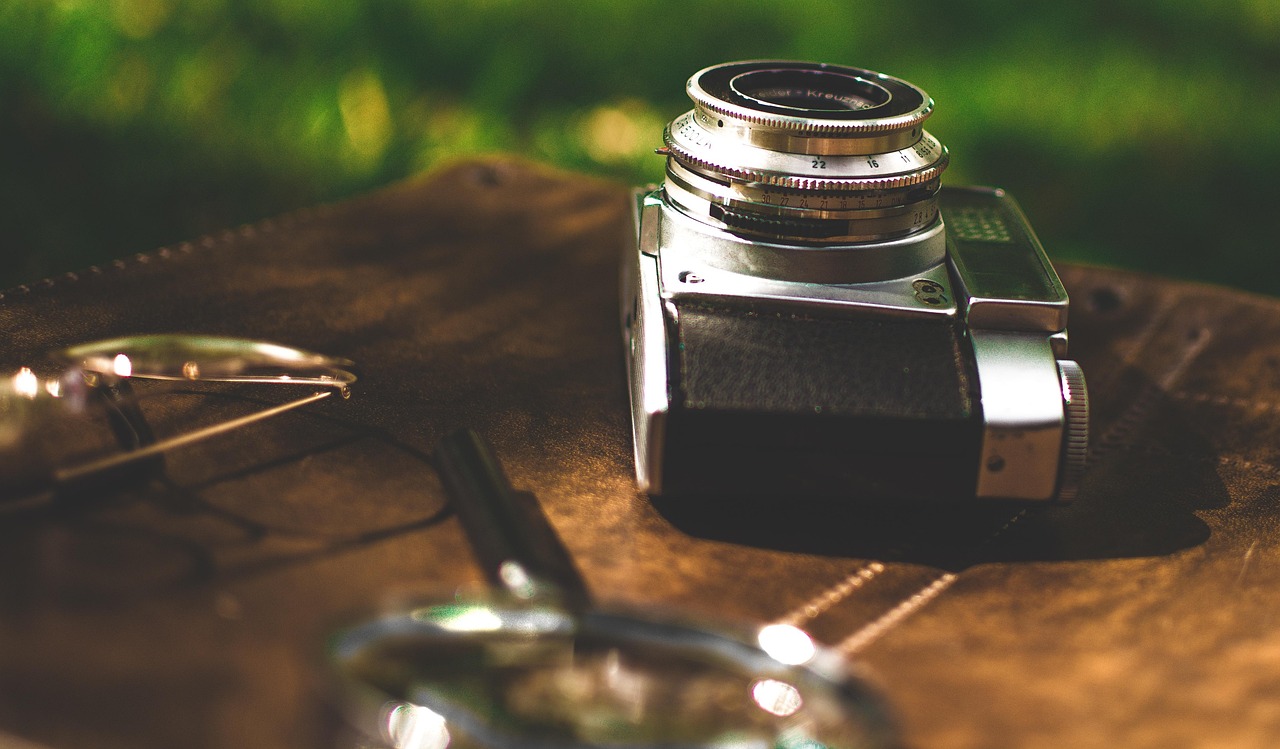
For serious aquarium photography, a mirrorless camera with interchangeable lenses offers the most flexibility. The Sony a6400 or a7C, Fujifilm X-T5 and Canon EOS R50 are excellent choices. Mirrorless cameras offer fast autofocus (critical for fish in motion), high ISO performance for low-light tank shooting and the ability to use macro lenses for close-up detail shots. Budget around $1,000–$2,500 SGD for body and lens.
Best Lenses for Aquarium Photography
A macro lens (90–105 mm) is the most useful single lens for aquarium photography — it captures stunning close-ups of fish, shrimp, plant details and coral. For full-tank shots, a standard zoom (24–70 mm) or a wide prime (35 mm) works well. Avoid ultrawide lenses, which distort through aquarium glass. A lens with good close-focus distance lets you capture details while maintaining a comfortable working distance from the tank.
Essential Accessories
A tripod eliminates camera shake during long exposures — essential for sharp tank shots in moderate lighting. A rubber lens hood pressed against the glass prevents reflections without scratching. A remote shutter release (or timer mode) further reduces shake. For colour accuracy, shoot in RAW format and adjust white balance in post-processing — aquarium lights create colour casts that RAW files easily correct.
Camera Settings for Aquariums
Start with these settings and adjust: Aperture f/5.6–f/8 for good depth of field, ISO 800–3200 (modern cameras handle high ISO well), shutter speed 1/125 or faster to freeze fish movement. Use spot or centre-weighted metering. Manual focus often works better than autofocus when shooting through glass, as autofocus may lock onto reflections or the glass surface. Burst mode increases your chances of capturing the perfect fish pose.
Lighting for Photography
The aquarium’s own lighting is usually your primary light source. Turn off room lights to eliminate reflections. If your tank light has adjustable intensity, increase it to maximum for shooting sessions — this allows faster shutter speeds. Additional off-camera flash or continuous LED lights can illuminate specific areas but require care to avoid harsh reflections. Diffused light produces the most natural-looking results.
Post-Processing Tips
Even great shots benefit from basic post-processing. Adobe Lightroom or free alternatives like Darktable and RawTherapee let you correct white balance, increase sharpness, adjust exposure and crop for better composition. Remove the blue or yellow colour cast from tank lighting by adjusting white balance. Increase clarity slightly to enhance fine details like scales and leaf textures. Avoid over-processing — natural-looking images are more appealing.
Phone-Specific Tips
If using a smartphone: clean the lens before shooting, hold the phone flat against the glass, tap the screen to set focus on your subject, use the volume button as a shutter release for steadier shots and shoot multiple frames to capture the best moment. Night mode on modern phones can produce surprisingly good results by computationally brightening images without excessive noise. Third-party camera apps like ProCam or Halide offer more manual control.
Singapore-Specific Considerations
Camera equipment is competitively priced in Singapore at shops along Peninsula Plaza and Funan Mall. For aquarium-specific gear, local camera shops may not stock specialised items like rubber lens hoods — check online retailers or DIY with a rubber washer. Singapore’s aquascaping community actively shares photography tips in online groups, and local aquascaping competitions often feature photography categories.
Conclusion
Great aquarium photography starts with understanding your equipment and practising technique. Even a smartphone in skilled hands produces stunning results. The joy of capturing a perfect shot of your tank or a favourite fish is a rewarding extension of the fishkeeping hobby. Visit Gensou Aquascaping at 5 Everton Park for photogenic aquascapes and tips on capturing your tank’s best angles.