Best Smart Plugs With Energy Monitoring for Aquariums
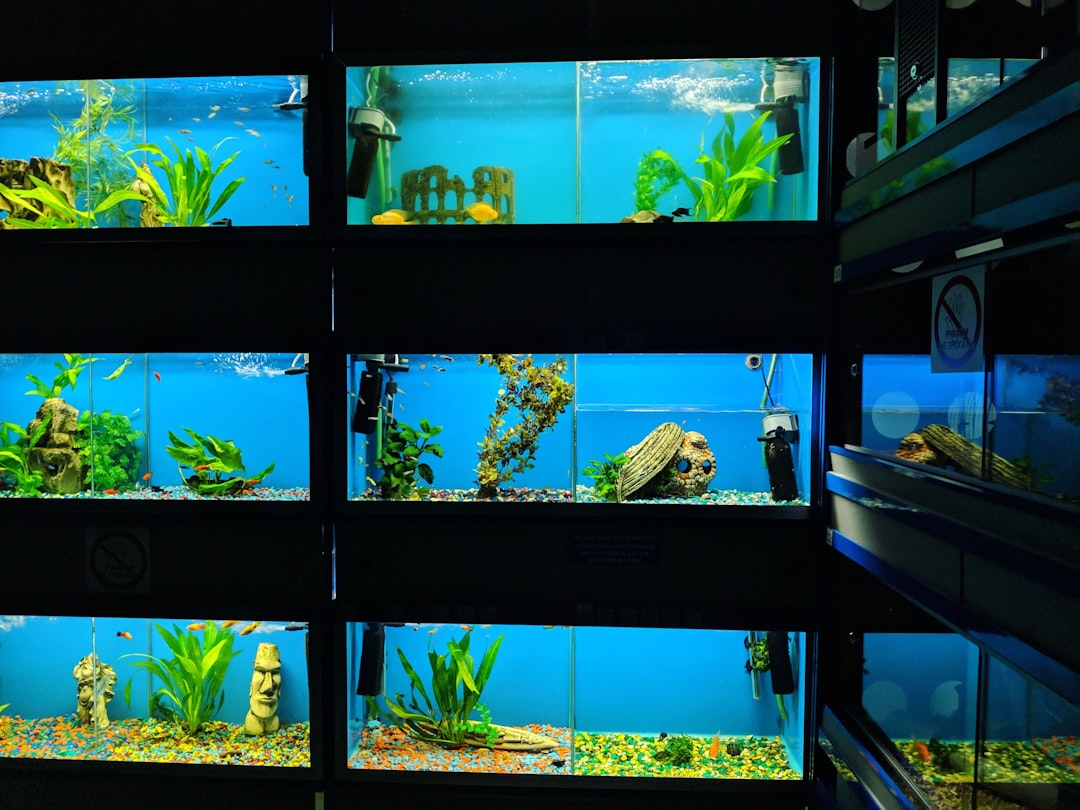
Aquarium equipment runs around the clock — filters, heaters, lights, CO2 solenoids, and dosing pumps all draw power continuously or on timed schedules. A smart plug with energy monitoring lets you control each device remotely, set precise schedules, and track exactly how much electricity your hobby consumes. This guide from Gensou Aquascaping at 5 Everton Park, Singapore, reviews the best smart plug energy monitor aquarium options available locally, helping you automate your tank while keeping electricity costs in check.
Why Energy Monitoring Matters for Fishkeepers
Singapore’s electricity rates hover around $0.30-0.35 per kWh, and a moderately equipped planted tank draws 100-200 watts continuously. That translates to $20-50 per month per tank — a cost that surprises many hobbyists. Energy monitoring reveals which devices consume the most power, letting you optimise runtimes and identify inefficient equipment. More importantly, a sudden change in power draw signals equipment failure: a filter drawing zero watts has stopped running, and a heater stuck at full power is cooking your tank.
Top Smart Plug Picks
The TP-Link Tapo P110 is the top recommendation for Singapore aquarists. It monitors energy in real time, logs daily and monthly consumption, supports scheduling and timers through the Tapo app, and costs just $15-20 on Shopee. The Xiaomi Mi Smart Plug 2 offers similar features within the Mi Home ecosystem at $18-25, ideal if you already use Xiaomi cameras and sensors. For hobbyists running multiple tanks, the Shelly Plug S ($25-35) offers superior local network control without mandatory cloud dependency — a plus for privacy-conscious users.
Setting Up Automated Schedules
Replace mechanical timers with smart plug schedules for greater precision and flexibility. Programme your light to run from 9 AM to 5 PM, the CO2 solenoid from 8:30 AM to 4:30 PM (30 minutes before lights on and off), and a dosing pump to pulse at 7 AM daily. Smart plugs execute these schedules to the second, unlike mechanical timers that drift by 10-15 minutes over months. You can adjust schedules remotely through your phone — useful when travel plans change and you want to shift the lighting window to match a house-sitter’s visit.
Monitoring for Equipment Failure
This is the killer feature for fishkeepers. Set up alerts in the smart plug app for abnormal power readings. A canister filter drawing 15 watts suddenly showing 0 watts means it has stopped — perhaps an impeller jam or a tripped thermal cutout. A 100-watt heater showing continuous full draw may indicate a stuck thermostat, which can overheat the tank to lethal temperatures within hours. Receiving a phone notification about these anomalies while you are at work or travelling could save an entire tank of livestock.
Tracking Monthly Aquarium Costs
The energy logging feature on smart plugs lets you see daily, weekly, and monthly power consumption for each piece of equipment. Over a few months, you build a clear picture of your hobby’s running cost. Many Singapore hobbyists discover that their chiller consumes more power than every other device combined — a 1/4 HP chiller draws 200-400 watts while running. This data helps you make informed decisions: is the chiller justified for your species, or would a cooling fan at 10 watts achieve acceptable temperatures?
Electrical Safety Considerations
Smart plugs add a connection point between your device and the wall socket, so quality matters. Use only plugs rated for the load — most aquarium-grade smart plugs handle 10-13 amps (2,200-3,000 watts), well above any single aquarium device. Never daisy-chain smart plugs or plug a power strip into a smart plug; this creates fire risk. In Singapore’s humid climate, keep smart plugs above tank level to prevent water contact. IP-rated outdoor smart plugs exist but are overkill for indoor aquarium use unless the setup is in a very splash-prone fish room.
Voice Control and Integration
All three recommended plugs work with Google Home and Amazon Alexa, and the TP-Link and Xiaomi models also support Apple HomeKit or shortcuts. Voice commands like “turn on the aquarium light” are convenient but rarely essential for fishkeeping. The real value of smart home integration is automation scenes: if a temperature sensor detects water above 31 °C, automatically turn on the cooling fan and send you an alert. Building these conditional automations through the smart home app transforms passive monitoring into active protection.
Best Setup for Multiple Tanks
For fish rooms with three or more tanks, assign one smart plug per critical device (filter, heater, light) rather than one plug per tank on a power strip. This granular control lets you monitor and troubleshoot individual equipment. Label each plug clearly in the app — “Tank 1 Filter,” “Tank 2 Light,” and so on. The investment of $15-20 per plug across ten devices totals $150-200 — modest insurance for a fish room worth thousands. Gensou Aquascaping uses smart plugs with energy monitoring across all client installations and considers them essential for any serious best smart plug energy monitor aquarium setup.
Related Reading