DIY Raspberry Pi Aquarium Camera Livestream Guide: Pi Cam HQ
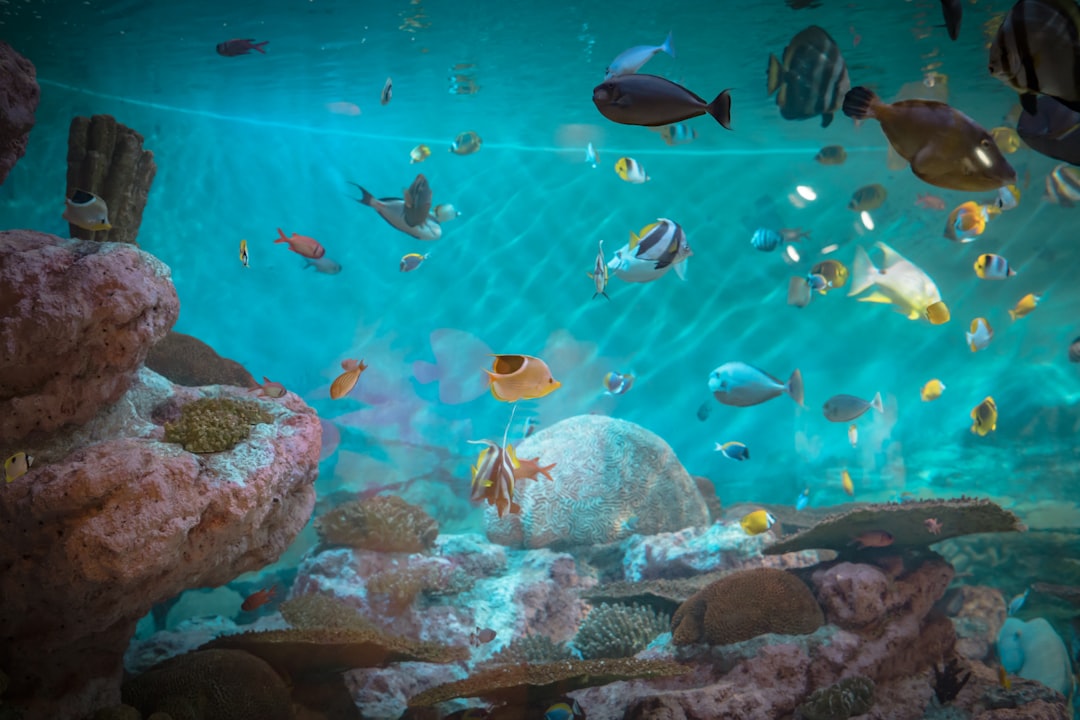
Watching shrimp moult or a betta build a bubble nest in real time from your office desk used to require a SGD 250 commercial WiFi cam with a clunky vendor app. With a credit-card-sized board and an open-source image, the same livestream costs roughly half the price and runs on your home network without phoning home to a Shenzhen cloud. This diy raspberry pi aquarium camera build from Gensou Aquascaping at 5 Everton Park walks through the parts list, the motionEye OS install, and the tweaks that keep the diy raspberry pi aquarium camera sharp under planted-tank lighting. Total spend lands near SGD 130 for a 12-megapixel rig that out-resolves anything in the consumer aquarium-cam market.
Materials and Tools
Source a Pi Zero 2 W from Sim Lim Square or Cytron at SGD 35, the official Pi Camera Module 3 or HQ Cam at SGD 75, and a 16GB microSD at SGD 8. A small acrylic enclosure with a glass window costs SGD 12 from Shopee, and a 5V 2.5A USB power supply rounds out the kit at SGD 10. You will also need a CSI ribbon cable rated for the Pi Zero (mini-to-standard) and four M2.5 standoffs. Singapore parallel-imported HQ cams sometimes ship without the C-mount adapter, so confirm before ordering.
Why DIY Beats Commercial Aquarium Cams
Off-the-shelf WiFi cams advertised for fish tanks usually run 2-megapixel sensors, fish-eye plastic lenses, and proprietary apps that lag during peak hours. The Pi route gives you a Sony IMX477 sensor, swappable CCTV lenses, full RTSP control, and lifetime updates. More importantly, the feed stays on your LAN — no third-party server, no surprise account suspensions. Picking up planted-tank gear from the aquarium lighting range later? You can dial in white balance to match.
Step One: Flash motionEye OS
Download the latest motionEye OS image for Pi Zero 2 W from the GitHub releases page, then write it to the microSD using Raspberry Pi Imager. Before ejecting, drop a wpa_supplicant.conf file into the boot partition with your home WiFi credentials so the Pi connects on first boot. Insert the SD, plug in power, and wait two minutes for the image to expand.
Step Two: Mount the Camera
Power off, connect the CSI ribbon (gold contacts facing the board on both ends), and screw the camera into your acrylic housing. The HQ Cam needs a 6mm CCTV lens for tank-front shots from 30cm away — the stock kit lens focuses too close. Position the rig 25-40cm from the front glass on a tripod or 3D-printed arm, slightly above water level to avoid surface glare.
Step Three: Configure the Stream
Browse to the Pi’s IP at port 80, log in with admin and a blank password, then set the resolution to 1920×1080 at 25fps. Enable the streaming server, pick MJPEG over the lighter network or H.264 RTSP for archival recording, and set the streaming port to 8081. VLC, Home Assistant, or any RTSP-capable app will pull the feed at rtsp://pi-ip:8081/.
Step Four: Lighting and White Balance
Planted tanks lit at 6500K throw a magenta-green cast that confuses auto-white-balance. Use motionEye’s manual WB sliders to set red gain near 1.4 and blue gain near 1.8 — adjust until shrimp reds read true rather than orange. Lock exposure at 1/100s to kill the flicker bands LED drivers create. Pair with a clean front pane wiped with a QANVEE Magnetic Cleaner for crisp footage.
Step Five: Remote Access
Inside your home network the stream just works. For overseas access, use Tailscale’s free tier — install the client on the Pi via SSH (curl -fsSL https://tailscale.com/install.sh | sh) and on your phone, then point VLC at the Pi’s tailnet IP. This avoids opening router ports and survives Singtel’s CGNAT, which blocks traditional port-forward setups for most fibre subscribers.
Step Six: Heat Management
The Pi Zero 2 W idles at 45°C and climbs to 70°C under continuous streaming. Add a SGD 3 aluminium heatsink and ensure the enclosure has at least two 5mm vent slots — Singapore ambient at 30°C plus an enclosed cabinet near a stand from the aquarium tank and cabinet range can push the SoC into thermal throttle without ventilation.
Recording and Motion Triggers
motionEye writes timestamped MP4 clips when motion crosses a configurable threshold. Useful for catching nocturnal fish behaviour, suspected jumpers, or shrimp births. Point storage at a USB stick or NAS share rather than the SD card — sustained writes will burn through cheap microSDs in six months. Set the retention to 14 days and enable email alerts for any motion outside lights-on hours.
Maintenance Notes
Wipe the housing window weekly with a microfibre cloth and isopropyl. Check the CSI ribbon every quarter — humidity in HDB kitchens or service yards can corrode contacts. Reflash the SD card annually to clear log bloat. The whole rig has run unattended at our 5 Everton Park display tanks for over 18 months on a single power supply.
Related Reading