Aquarium Photography Tips: Capture Stunning Shots With Phone or Camera
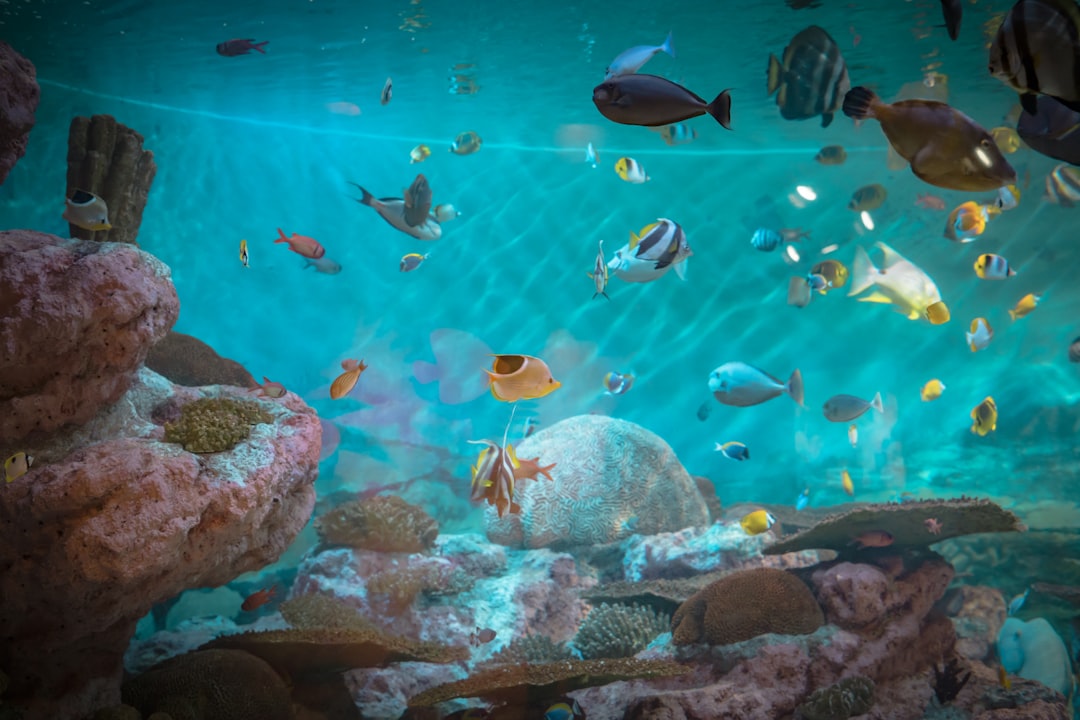
Your aquascape looks incredible in person, yet every photo turns out blurry, blue, or washed out. Sound familiar? Mastering aquarium photography tips for phone and camera does not require expensive gear — just a few deliberate adjustments to how you shoot. At Gensou Aquascaping Singapore, we photograph dozens of tanks each month, from nano desktop setups to 180 cm showpieces, and the techniques below work for all of them.
Why Aquarium Photos Often Disappoint
Glass, water and artificial lighting create a triple challenge. Reflections bounce off the front panel, auto white balance shifts colours toward unnatural blues or greens, and moving fish blur at slow shutter speeds. Understanding these three obstacles is the first step toward consistently better images.
Control Reflections First
Turn off every room light and close curtains or blinds. In Singapore’s HDB flats, overhead fluorescent tubes are the worst offenders — even a dim corridor light can create a ghostly stripe across the glass. If you cannot darken the room completely, press your phone or lens hood flush against the front panel. A rubber lens skirt, available on Shopee for under $15, works brilliantly for DSLR and mirrorless shooters.
Get White Balance Right
Auto white balance rarely handles aquarium LEDs well, especially the blue-heavy spectrums common on reef lights. On a phone, tap the subject to lock exposure, then adjust warmth manually in pro mode. On a camera, set a custom Kelvin value — around 6500 K for planted tanks running full-spectrum LEDs, and closer to 10000 K for marine tanks with heavy actinic blue. Shooting in RAW gives you full flexibility to correct colour later without quality loss.
Camera Settings That Work
For DSLR or mirrorless users, start with aperture priority at f/5.6 to f/8. This provides enough depth of field to keep foreground plants and background stems both sharp. Set ISO between 400 and 1600 depending on your light intensity, and let the camera choose the shutter speed — but watch that it stays above 1/125 s if you want crisp fish shots. Bump ISO higher rather than accepting motion blur.
Phone users should tap to focus on the subject, lock the exposure, and hold steady. A small tabletop tripod costing around $12 to $20 on Lazada eliminates hand shake entirely and is the single best upgrade for phone aquarium photography.
Composition and Angles
Shoot straight on at the midpoint of the tank height to minimise distortion. Angling downward introduces perspective warp and catches the water surface reflection. For full-tank shots, position yourself far enough back that you can crop without losing resolution — standing too close exaggerates barrel distortion, especially on wide phone lenses. Use the rule of thirds: place your hardscape focal point or feature fish at an intersection point rather than dead centre.
Photograph Fish Without Blur
Patience beats burst mode. Watch your subject’s patrol pattern for a few minutes, pre-focus on the spot it returns to, and wait. A shutter speed of 1/250 s or faster freezes most community fish mid-swim. For hyperactive species like danios, you may need 1/500 s. Continuous autofocus (AF-C) helps on cameras, while phones benefit from locking focus on a stationary object at the same depth as the fish’s path.
Editing for Natural Results
Subtle adjustments make the difference between a good shot and a great one. In Lightroom Mobile or Snapseed — both free — increase clarity slightly to enhance plant texture, reduce highlights to recover bright substrate areas, and fine-tune the green and blue channels individually. Resist the temptation to oversaturate; viewers can tell when colours look artificial. A final crop to remove equipment at the edges completes the image.
Related Reading