How to Photograph Your Aquarium With a Phone: Tips and Settings
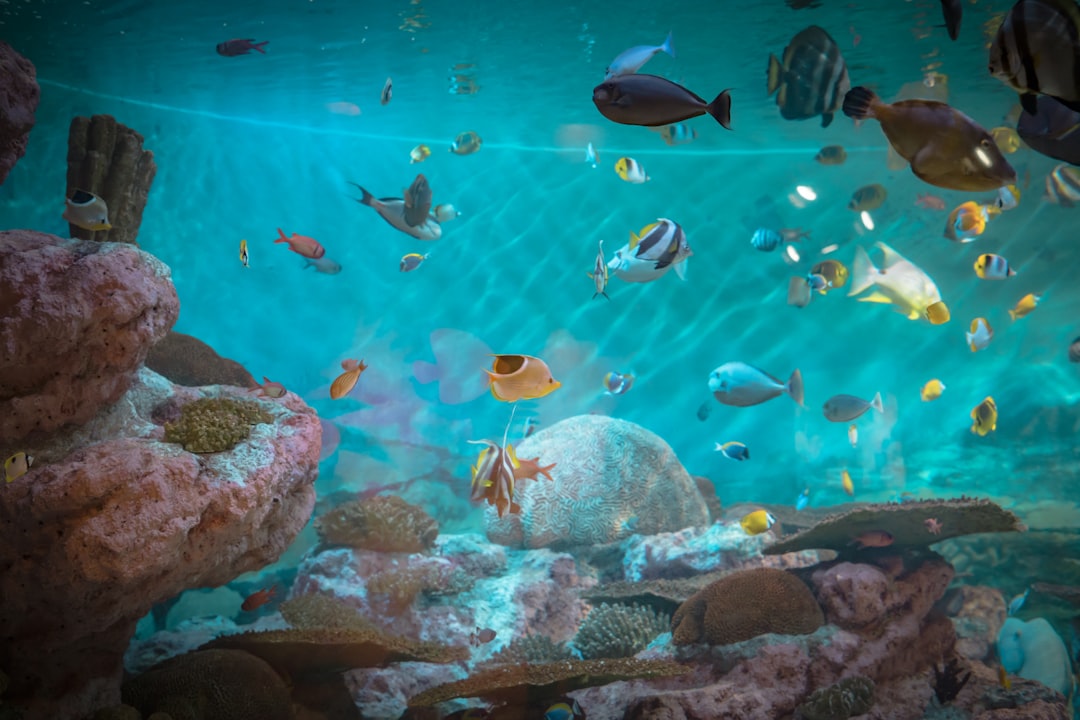
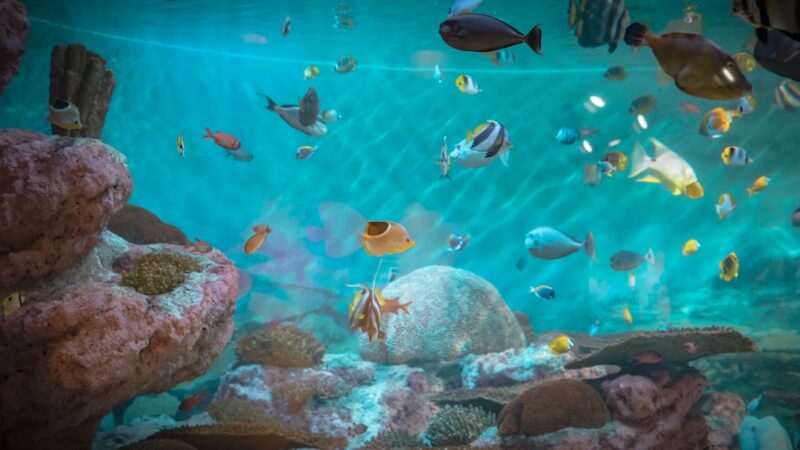
Your aquarium looks spectacular in person, yet every photo turns out blurry, green-tinted, or washed out. Sound familiar? Learning to photograph your aquarium with a phone properly takes a few simple adjustments — no expensive camera required. These tips from Gensou Aquascaping Singapore, with over 20 years of experience at 5 Everton Park, will transform your aquarium shots from frustrating to share-worthy.
Clean the Glass First
This step sounds obvious, yet most disappointing aquarium photos trace back to dirty glass. Algae film, water spots, and fingerprints scatter light and reduce clarity dramatically. Use a magnetic cleaner on the inside and a microfibre cloth with glass spray on the outside. Clean immediately before shooting — dust resettles fast in Singapore’s humid air.
Turn Off Room Lights
Ambient room lighting creates reflections on the glass that your phone camera picks up mercilessly. Switch off overhead lights, close curtains, and let the aquarium light be the sole illumination source. Reflections of your face, furniture, and TV screen vanish instantly.
If stubborn reflections persist, hold a large piece of black cardboard or a dark t-shirt around your phone as a makeshift lens hood. Professional aquarium photographers use a rubber lens skirt pressed against the glass — a cut-up yoga mat works surprisingly well as a DIY alternative.
Camera Settings That Make a Difference
Lock your phone’s exposure and focus by tapping and holding on the subject — most modern phones (iPhone, Samsung, Pixel) support this. Without locking, the camera constantly hunts for focus as fish move, producing soft images. On iPhones, the AE/AF Lock indicator confirms the settings are held.
Reduce exposure compensation by -0.3 to -0.7 stops to prevent washed-out highlights on bright fish. LED aquarium lights often peak in intensity beyond what auto exposure handles well. Slightly underexposed shots retain colour and detail that you can brighten later in editing.
Shoot at the Right Angle
Position your phone perfectly parallel to the front glass. Even a slight angle introduces distortion and reflections from the side panel. Get low — shooting at the midpoint of the tank’s water column captures the most natural perspective, as if you are looking into the habitat rather than down at it.
For full-tank shots (FTS), step back 1–1.5 metres and use your phone’s 1x lens rather than zooming. Wide-angle lenses distort edges, and digital zoom degrades resolution. Crop later if needed — pixels are free.
Capturing Fish in Motion
Fish rarely pose. Burst mode — hold the shutter button on most phones — fires multiple frames, increasing your chance of catching a sharp image mid-swim. Review the burst and select the sharpest frame. For fast species like danios, switch to your phone’s Pro or Manual mode and set the shutter speed to 1/250 s or faster.
Patience matters more than technique. Spend five minutes watching your fish’s patrol route, then pre-focus on the spot they repeatedly pass. A well-timed single shot beats a hundred blurry bursts.
Editing for Natural Colour
Aquarium LEDs shift colour temperature toward blue or warm white, depending on the fixture. Use your phone’s editing tools — or free apps like Snapseed or Lightroom Mobile — to adjust white balance until plants look true green and fish colours match what your eyes see in person.
Boost clarity or structure by 10–20 % to sharpen plant details and fish scales. Avoid heavy saturation increases — oversaturated aquarium photos look artificial and perform poorly on social media. Subtle edits that enhance reality always outperform heavy filters.
Sharing Your Shots
Instagram, Facebook fishkeeping groups, and Reddit’s r/Aquariums and r/PlantedTank communities welcome quality aquarium photography. Tag local hashtags like #SingaporeAquascape and #SGFishKeeping to connect with the Singaporean community. Carousell sellers find that better photos directly increase buyer interest when selling fish or equipment.
Mastering how to photograph your aquarium with a phone elevates your enjoyment of the hobby and documents your tank’s journey over time. At Gensou Aquascaping, we photograph every client installation — and our phone consistently outperforms rushed DSLR shots when these fundamentals are followed.
Related Reading
- Best YouTube Channels for Aquarium Hobbyists: Learn by Watching
- Best Aquarium Gift Ideas for Fishkeepers: Useful and Thoughtful
- Aquarium Hobby on a Budget: Complete Setup Under $100 SGD
- Iwagumi Style Aquascape Step by Step: Stone, Sand and Simplicity
- How to Aquascape a Rainbowfish Display Tank: Open Water and Colour