Aquarium as a Twitch Streamer Backdrop: Ambient and On-Brand
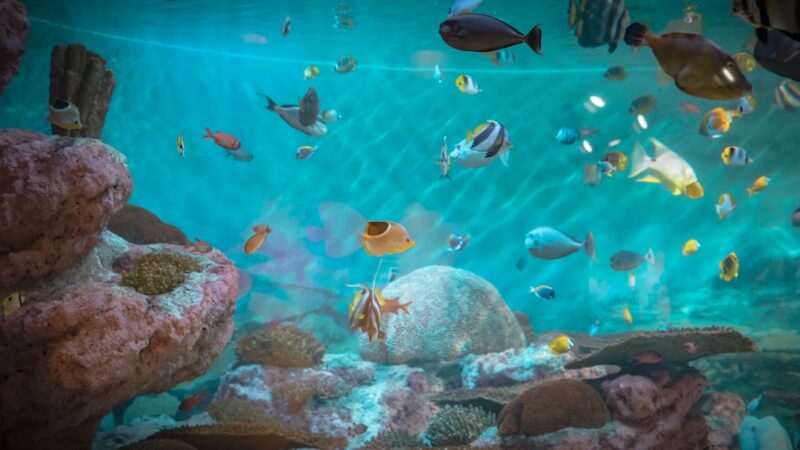
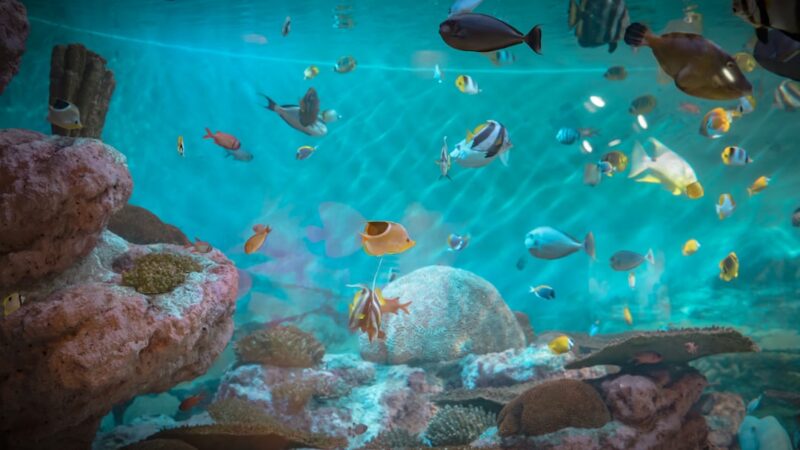
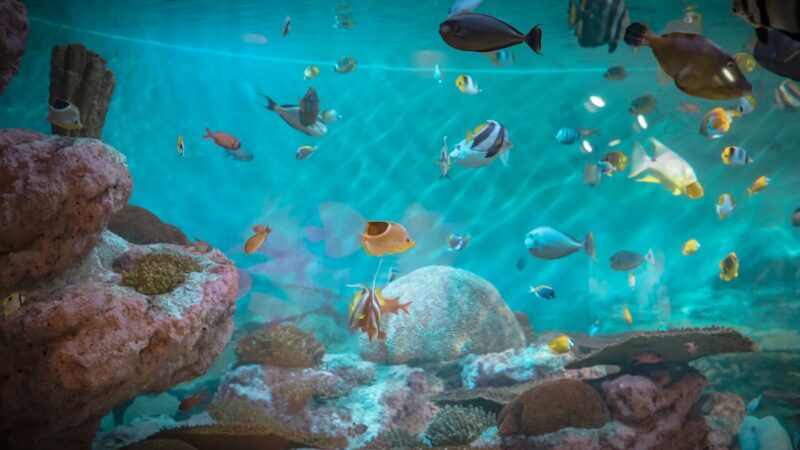
Live streamers constantly hunt for backdrops that set them apart, and few things rival the ambient glow of a well-maintained aquarium behind your gaming chair. This aquarium twitch streamer backdrop guide from Gensou Aquascaping at 5 Everton Park, Singapore, covers tank placement, lighting integration, noise control and species that look incredible on camera. A living backdrop elevates your stream from generic to memorable.
Tank Placement and Camera Framing
Position the tank directly behind and slightly above your seated head height so it fills the background without being blocked by your shoulders. A long, shallow tank (90 x 30 x 30 cm or similar) works better on camera than a tall cube, giving you a wide band of colour and movement across the frame. Angle your webcam so the tank is in the upper third of the shot — this follows basic composition rules and keeps you as the focal point while the aquarium adds atmosphere.
Lighting That Works With Your Stream
Tuneable RGB LED fixtures let you match your aquarium lighting to your stream’s colour theme. Running a blue-heavy spectrum creates a calming cyberpunk aesthetic; warm white mimics a cosy sunset vibe. Avoid flickering or pulsing light modes — they distract viewers and can cause compression artefacts on stream. Set a consistent colour temperature during broadcast hours and save dynamic sunrise-sunset cycles for off-stream periods. A dimmer running at 40-60% intensity prevents the tank from overpowering your face cam lighting.
Minimising Pump and Filter Noise
Audio quality matters on Twitch. Hang-on-back filters create a waterfall sound that sensitive microphones pick up clearly. Switch to a canister filter or internal sponge filter — both run near-silently. If you must use an HOB, ensure the water level sits just below the outflow lip to eliminate splashing. Vibration-dampening mats under the tank and filter reduce hum transmitted through furniture. Test your audio before going live: record a sample clip and listen for background noise your ears have already tuned out.
Species That Pop on Camera
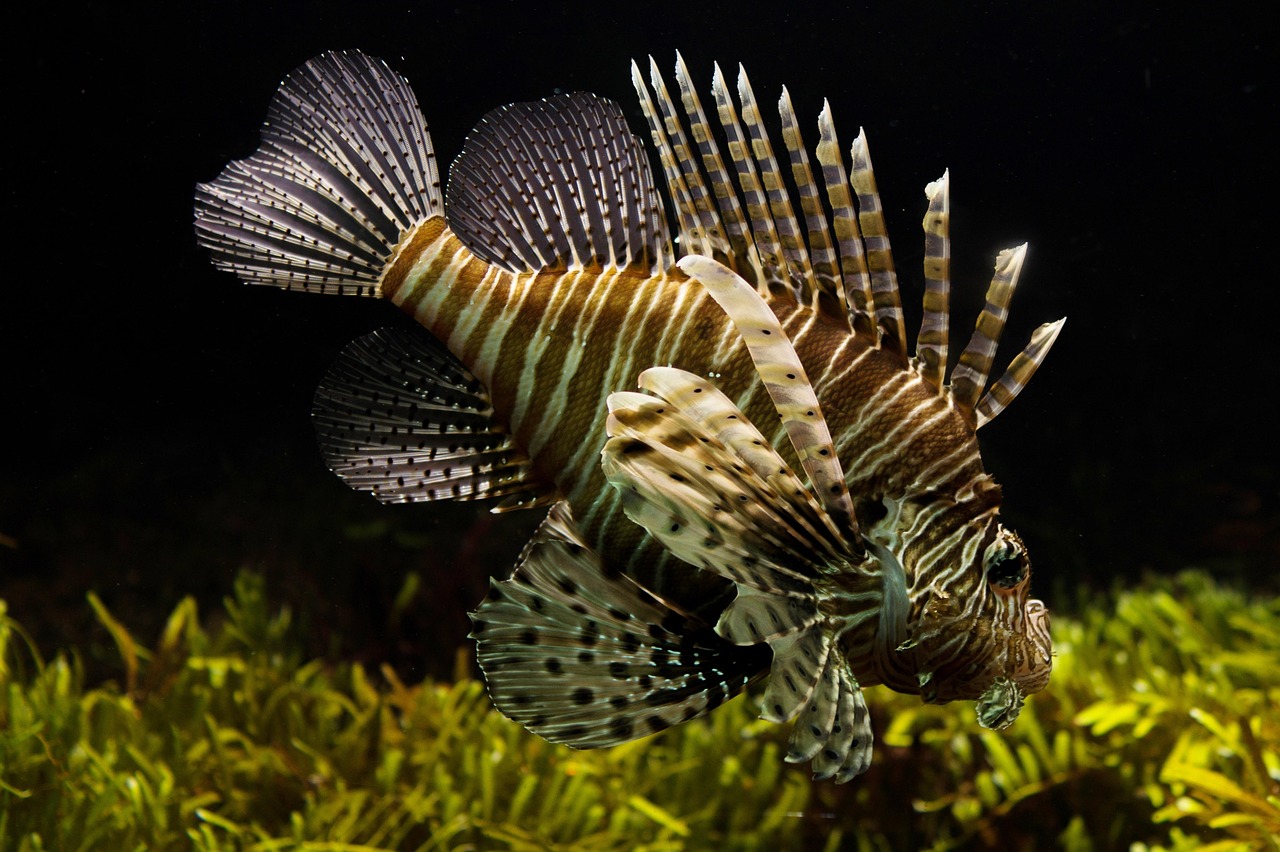
Bright, active fish with high contrast look best through a webcam’s compressed video. Neon tetras, cardinal tetras and ember tetras glow under blue-white light. A betta’s flowing fins create mesmerising movement in the background. Cherry shrimp against dark substrate add pinpoints of red. Avoid dull or translucent species — they vanish on stream. For a marine option, clownfish and small wrasses provide constant, eye-catching motion without demanding a massive setup.
Low-Maintenance Setup for Busy Streamers
Streaming schedules are demanding enough without adding complex tank maintenance. Choose hardy, low-tech plants like Anubias barteri, Java fern and Bucephalandra that thrive without CO2 injection or intense lighting. Use a nutrient-rich substrate capped with fine black gravel for a clean, cinematic look. An auto-feeder handles daily meals on stream days when you might forget. Budget 20 minutes per week for a water change — set a routine and stick to it.
Dealing With Singapore’s Climate
Air conditioning in your streaming room keeps you comfortable but can chill a nearby tank if the aircon blows directly onto it. Position the tank away from the direct airflow or use a small 50-watt heater set to 26 °C as insurance. Conversely, if you stream in a non-air-conditioned room, temperatures can reach 30-32 °C — stick with tropical species that handle warmth naturally. Evaporation is rapid in Singapore’s humidity; top up with dechlorinated water every few days to maintain water levels and prevent unsightly waterline marks on camera.
Cost Breakdown for a Stream-Ready Tank
A 90 cm low-tech planted tank with LED lighting, canister filter, hardscape and livestock runs approximately $400-700 in Singapore. Add $50-100 for a tuneable RGB light if your existing fixture lacks colour control. Ongoing costs — food, water conditioner, replacement filter media — total roughly $15-25 per month. Compared to LED panels, neon signs or vinyl backdrops, an aquarium twitch streamer backdrop costs more upfront but delivers a living, evolving background that viewers genuinely engage with in chat.
Related Reading