Aquarium Photo Editing Lightroom Workflow Guide: Colour Correction
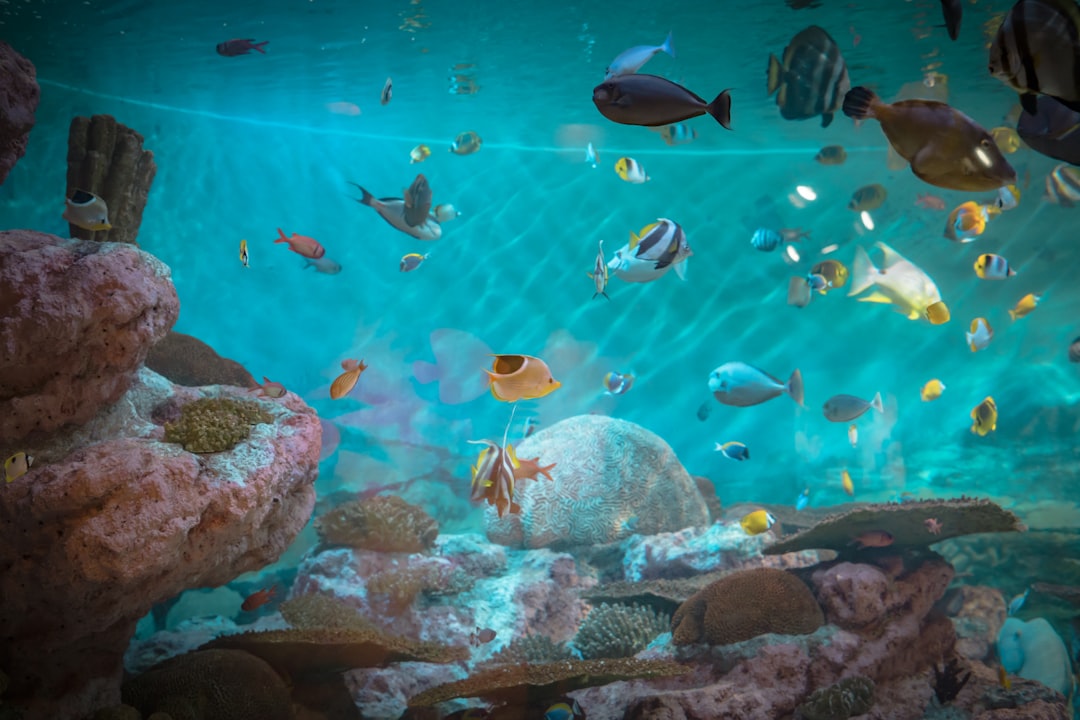
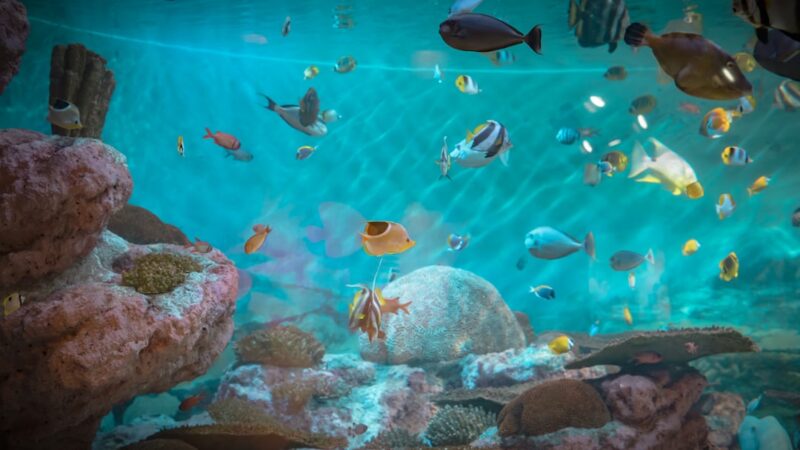
Aquarium photographs taken under modern RGB LEDs need careful post-processing because the spectrum is heavy in the deep red and blue regions that camera sensors over-emphasise. A disciplined aquarium photo editing lightroom workflow brings plant greens back to a natural saturation, recovers fish colour without crushing detail, and produces consistent results across an entire portfolio. This step-by-step from Gensou Aquascaping at 5 Everton Park covers profile choice, white balance correction, tone shaping and the targeted HSL moves that make planted-tank shots sing.
Start From the Right Profile
Lightroom’s default Adobe Color profile boosts contrast and saturation aggressively, which compounds the over-saturated reds typical of RGB LED lighting. Switch to Adobe Standard or Camera Neutral as your starting profile — both give a flatter, more accurate base that responds better to subsequent edits. For Sony bodies, Camera Pro Standard is closer to the JPEG preview many shooters expect.
White Balance Done Properly
Aquarium scenes have no neutral grey unless you put one there. Place a white balance card or grey card in your hardscape for the first frame of every shoot, sample with the eyedropper, then sync that setting across the rest of the take. Without a reference, sample the substrate if it is a neutral dark grey such as Tropica Aquarium Soil. Avoid sampling off plant leaves or fish scales — both have inherent colour bias.
Tone Curve for Depth
A subtle S-curve in the parametric tone curve adds the visual depth that flat aquarium shots lack. Drop shadows by 10-15 and lift highlights by 8-12 to compress dynamic range first, then apply the S-curve on top. The aquarium lighting spectrum tends to clip the red channel, so check the histogram for red blowout before exporting.
HSL: Where Aquarium Edits Live or Die
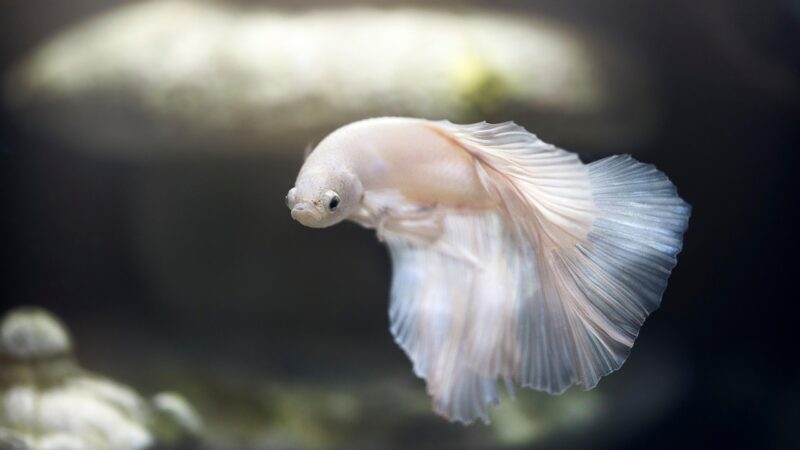
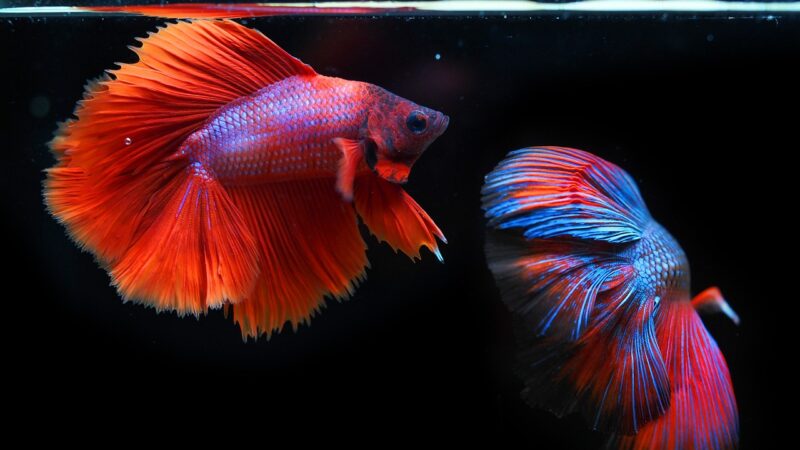
The HSL panel does the heavy lifting in aquarium work. Pull green saturation up by 10-15 and shift hue slightly toward yellow-green to stop your Eleocharis and Glossostigma looking emerald-blue. Drop red and orange saturation by 5-10 to tame over-cooked betta scales. Lift the luminance of greens by 8 to make plant masses pop without affecting fish or hardscape.
Masked Adjustments for Subjects
Lightroom’s AI subject masking now reliably picks out fish in busy planted scenes. Apply a +0.3 stop exposure mask to your hero subject and a -0.2 stop mask to the surrounding mid-ground to draw the eye. For fish with iridescent scales, a small clarity boost of +10 inside the mask reveals scale structure that flat global edits flatten out. The substrate range looks richer with a separate mask lifting shadows by +15.
Lens Correction and Geometry
Always enable profile-based lens correction. Wide-angle aquarium shots taken at 16mm or below benefit from manual vertical and horizontal transform correction to keep the tank rim parallel to the frame edge. A single degree of rotation often saves an otherwise great frame. Use the crop tool’s auto-straighten on the visible waterline as a reference.
Detail Panel Without Over-Sharpening
Aquarium glass and water surface artefacts amplify with heavy sharpening. Keep amount at 35-45, radius at 1.0, masking at 50 to limit sharpening to edges only. Noise reduction at luminance 15-20 cleans high-ISO captures from low-light fish shots without smearing scale detail. Avoid colour noise reduction above 30 because it desaturates fine fin detail.
Export Specs for Different Channels
For Instagram and TikTok, export sRGB JPEG at 2048px long edge, quality 80, with output sharpening for screen. For e-commerce listings of CO2 equipment or hardware, 1500px square at quality 85 hits the Carousell and Shopee sweet spot. For print contests like IAPLC, follow the contest spec — usually sRGB JPEG at 4000px long edge, no compression artefacts.
Build a Preset Library
After 20-30 finished edits, identify the moves you make every time and save them as a preset. Most aquarium creators end up with three or four presets — planted tank base, marine reef base, shrimp macro base, and fish hero. Apply on import to save 80 per cent of your editing time and keep your portfolio visually cohesive.
Related Reading